
An order can be received without executing immediately. Review its current status before deciding whether another action is necessary.
Before you start
Have the stock symbol and whether the order was a buy or sell in mind.
01Find the order
Open Markets and review your open orders or order history. Match the symbol, buy or sell side, and amount to the order you submitted.
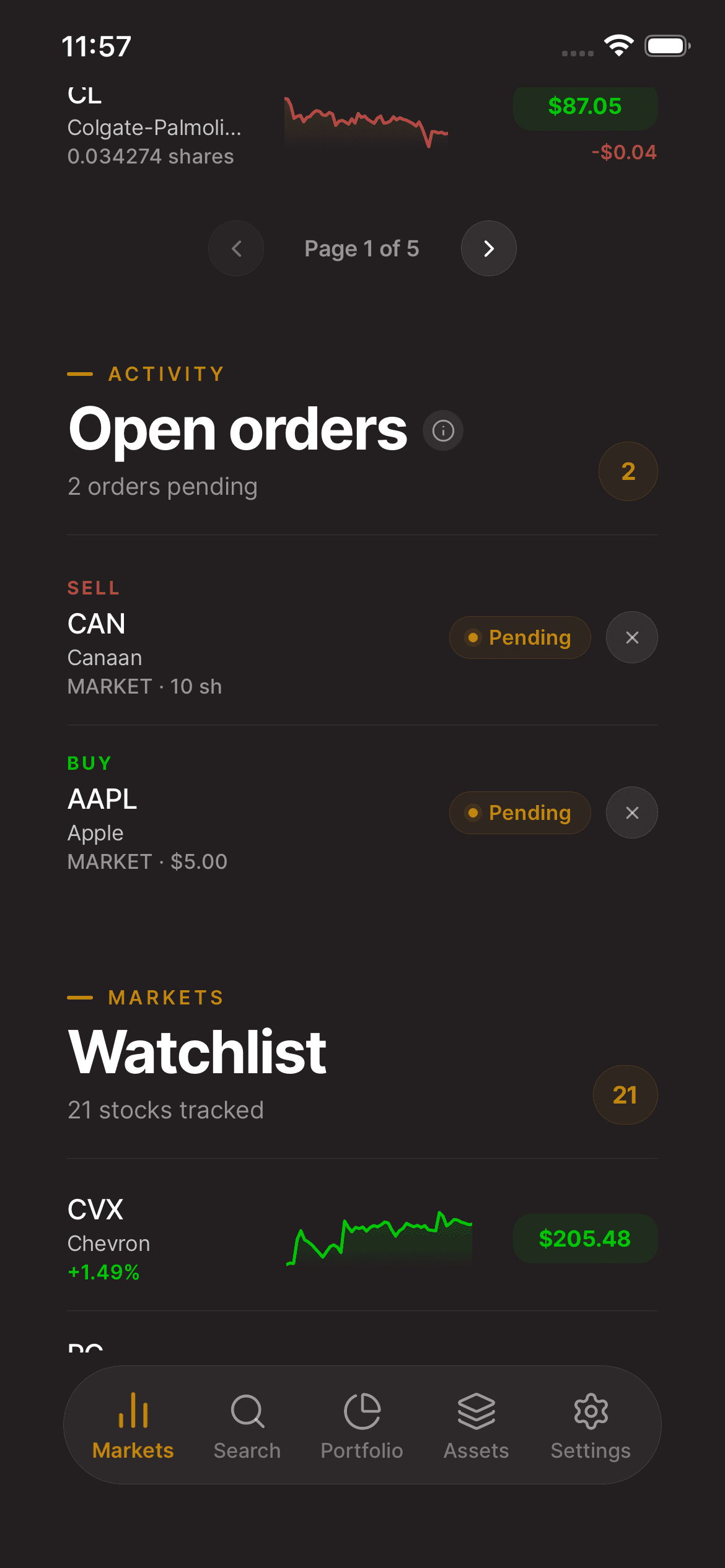
02Read the execution status
Check the status and any filled quantity available. A partially filled order has not executed in full. A canceled or rejected order should not be treated as a completed purchase or sale.
03Check before trying again
Refresh the order view if the submission result was unclear. Check holdings as well as order history before sending a replacement order. Contact support if the result remains uncertain.
Keep in mind
An order may remain open because of its conditions or market availability. This guide does not promise when an order will fill.
Need help with your account? support@asalinvest.com