
The order flow separates entering an amount from reviewing and placing the order. Check the security and order details at each stage.
Before you start
Your account must be eligible to trade and have sufficient buying power. Research the investment and review the available screening information before deciding whether to buy.
01Open the security
Search for the stock and confirm its name and symbol. Open Trade, then select Buy.
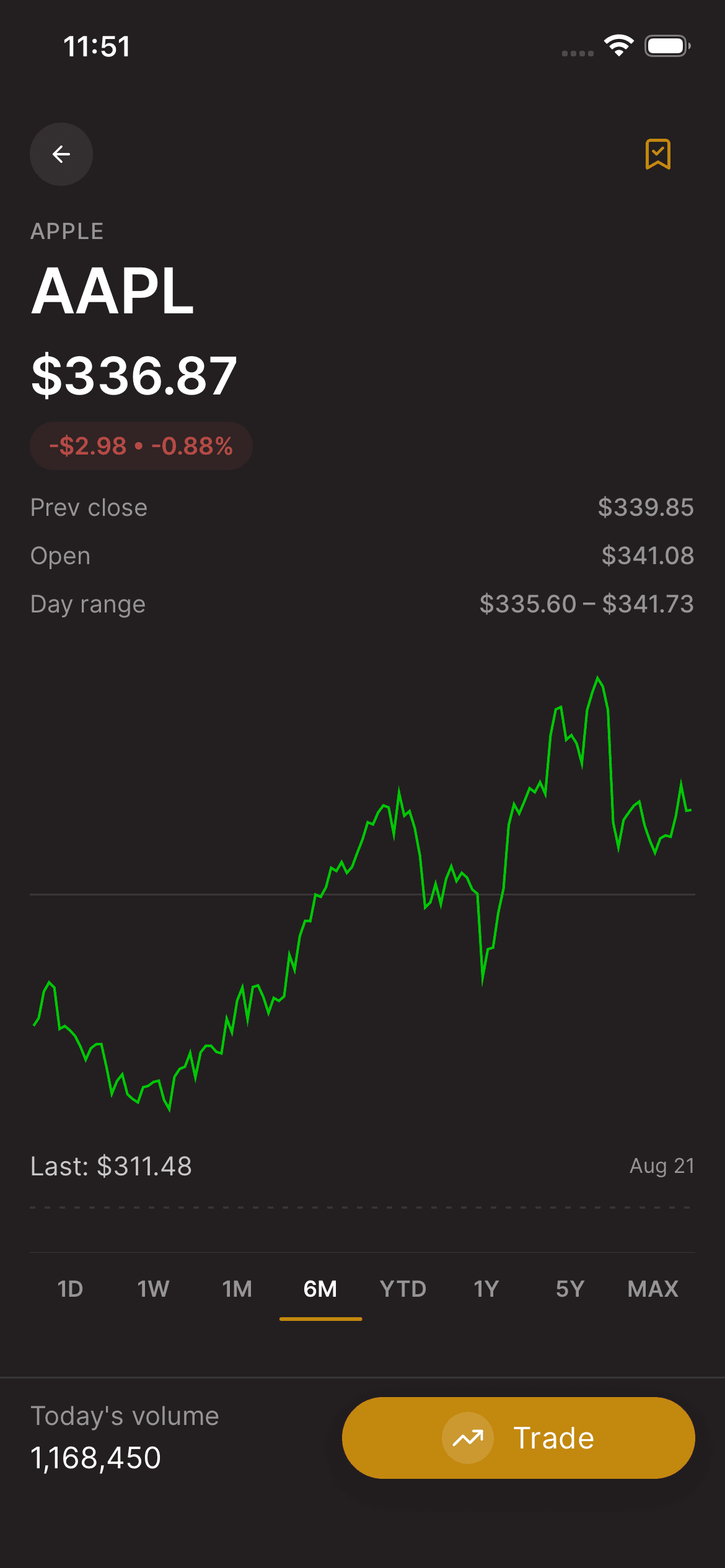
02Enter your order
Choose Dollars or Shares where supported and enter the amount or quantity. Review the order type and any available settings. Not every security or order supports the same options.
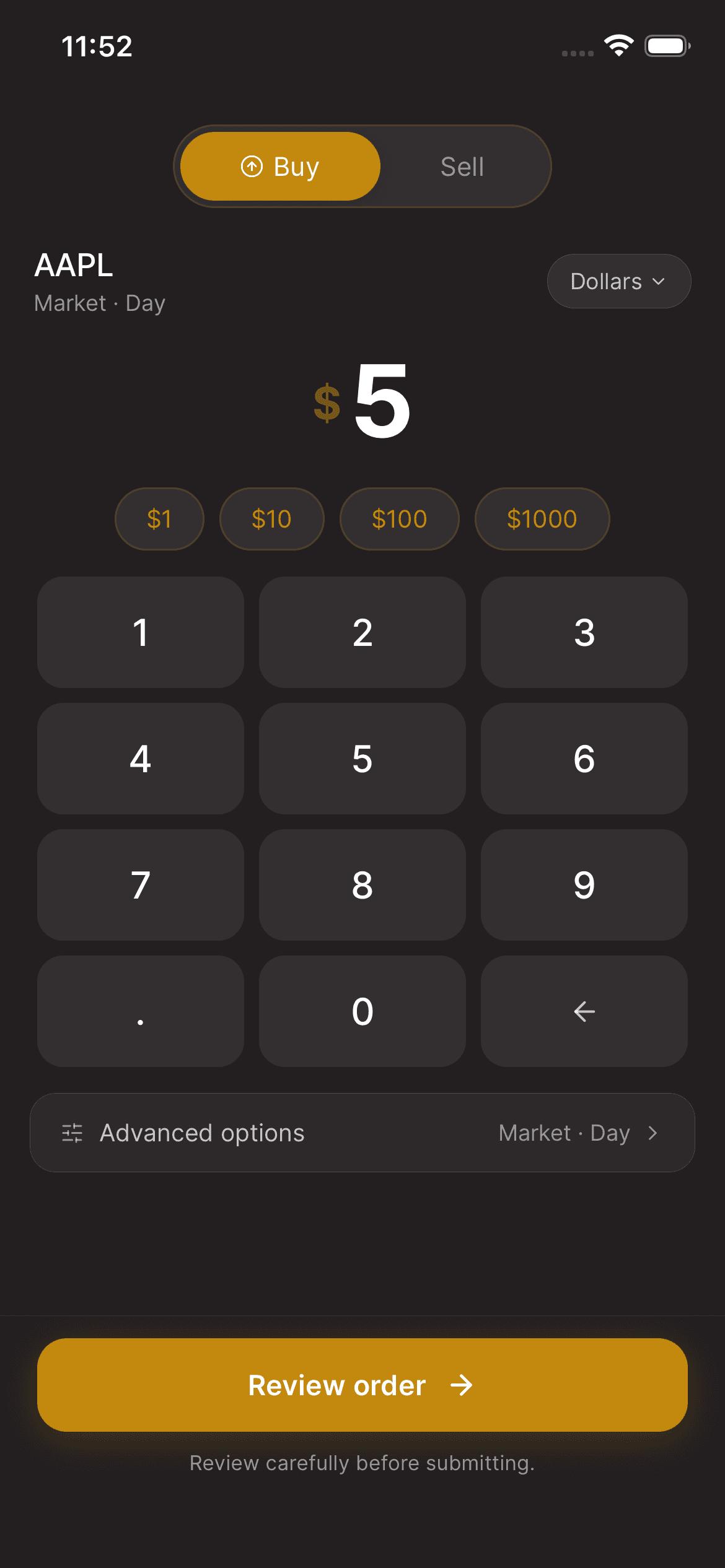
03Review before placing
Open Review order and check the symbol, side, quantity or dollar amount, order type, and time in force. If you selected a price condition, check that value too. Correct anything that is not what you intended.
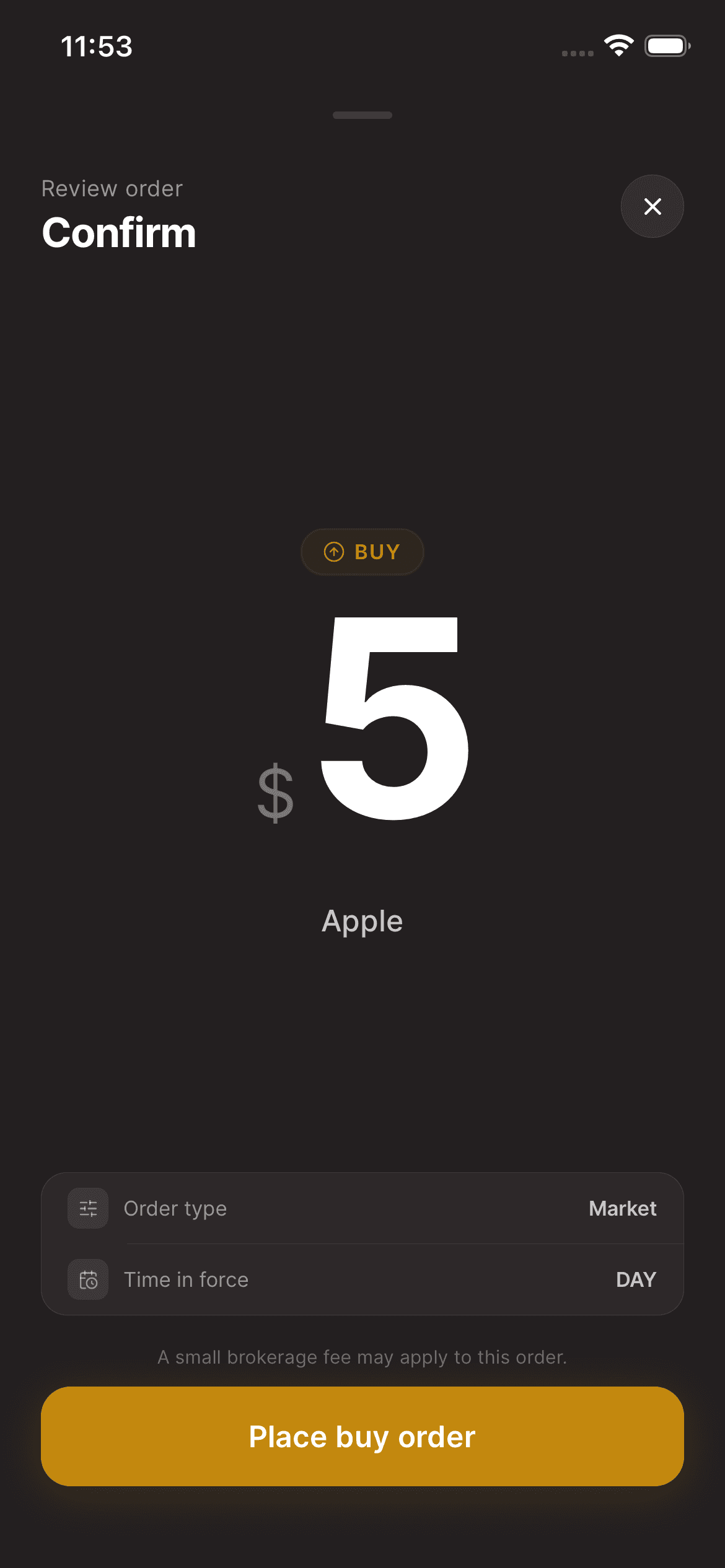
04Place and track the order
Select Place buy order only when you are ready. Check the returned status and your orders afterward. An accepted or queued order is not the same as a filled order.
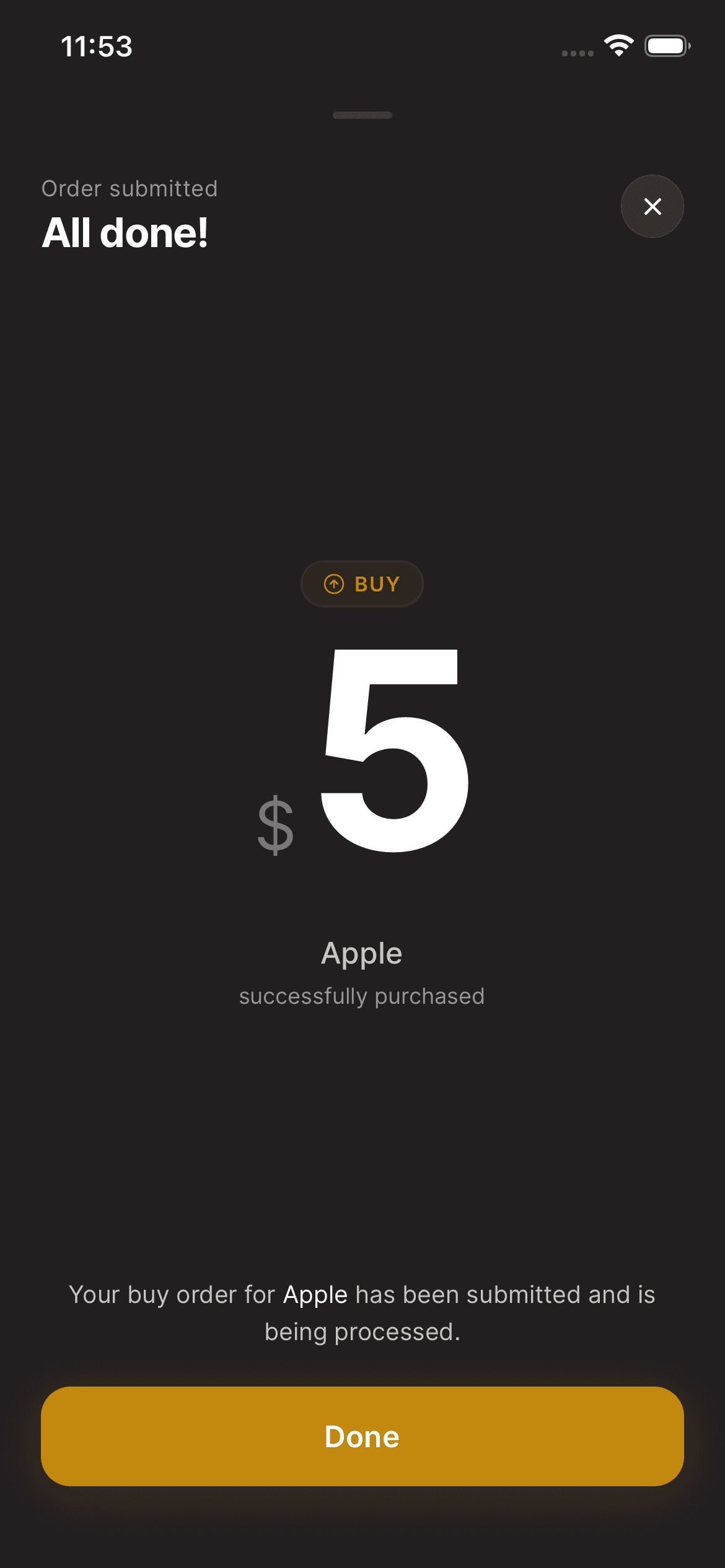
Keep in mind
Investing involves risk, including loss of principal. Screening information is not a recommendation or a guarantee of investment performance. Execution price and completion are not guaranteed by the review estimate.
Need help with your account? support@asalinvest.com