
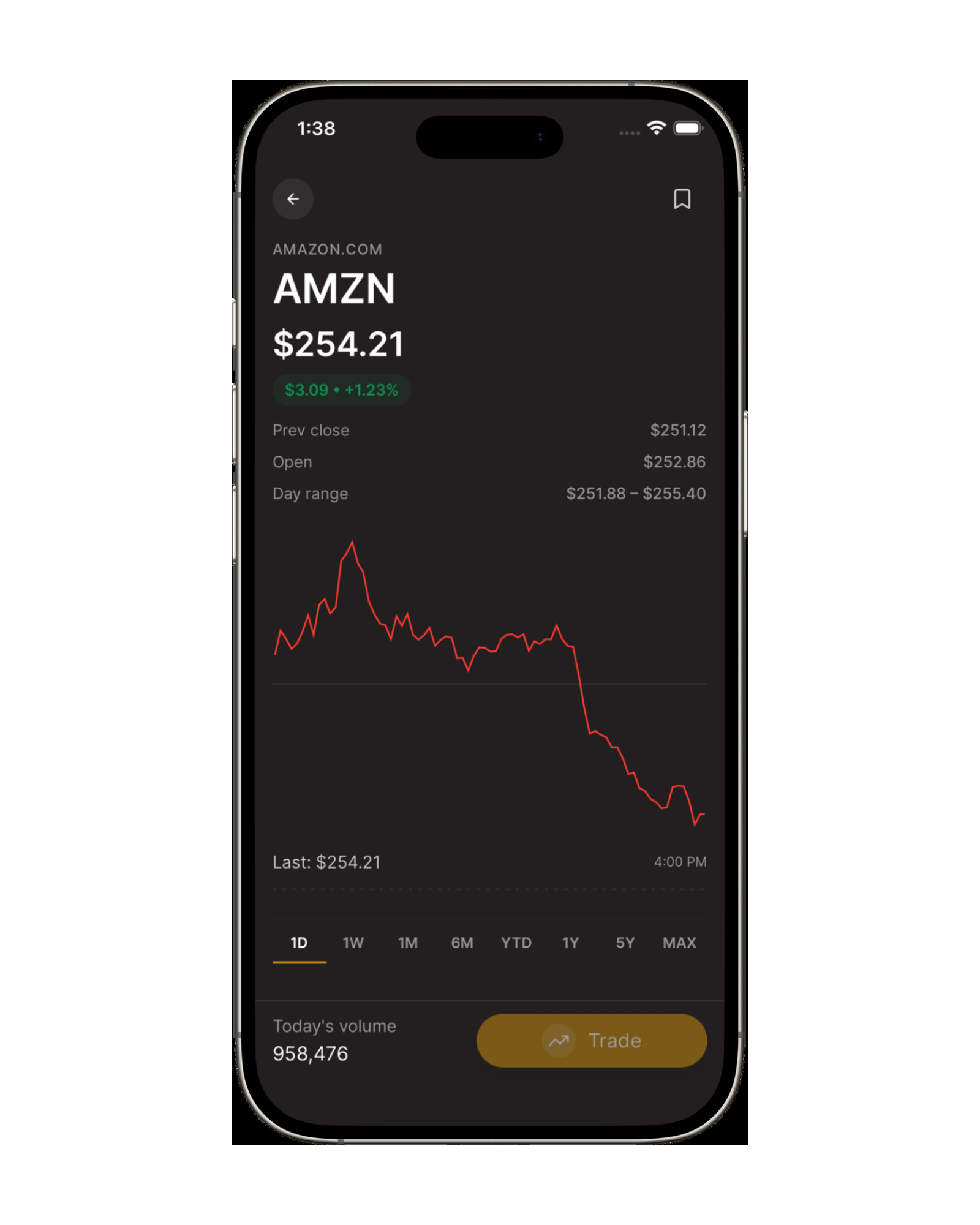
01
Search a security
Search stocks by company name or ticker and open the price chart and company details for your research.
Explore Shariah-compliant investing with stock screening that brings a company's business activity, financial ratios, and available screening status into one view.

See how to check if a stock is halal using available screening information.
Search stocks by company name or ticker and open the price chart and company details for your research.
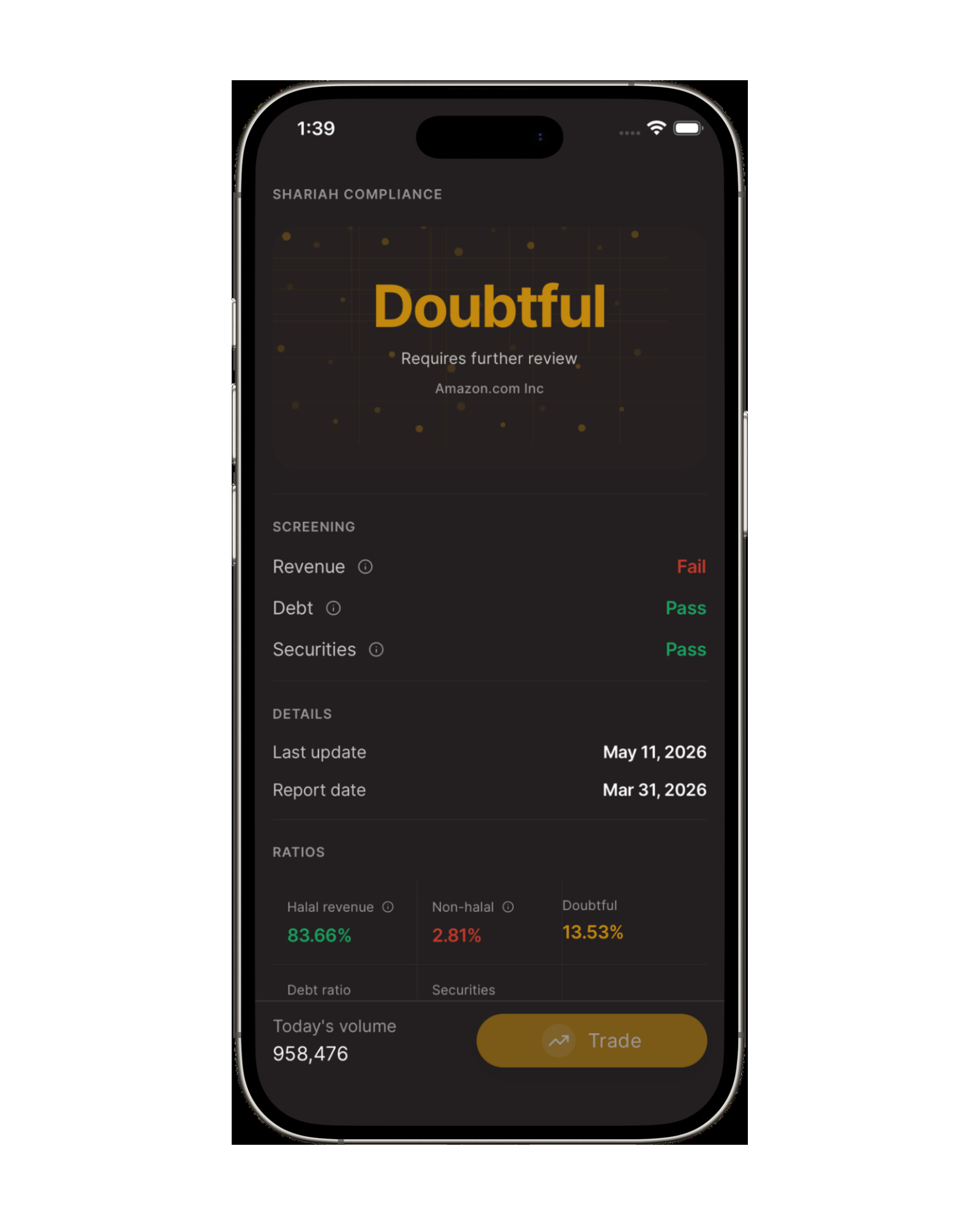
Review business activity and financial ratio checks behind a stock's available Shariah screening status.
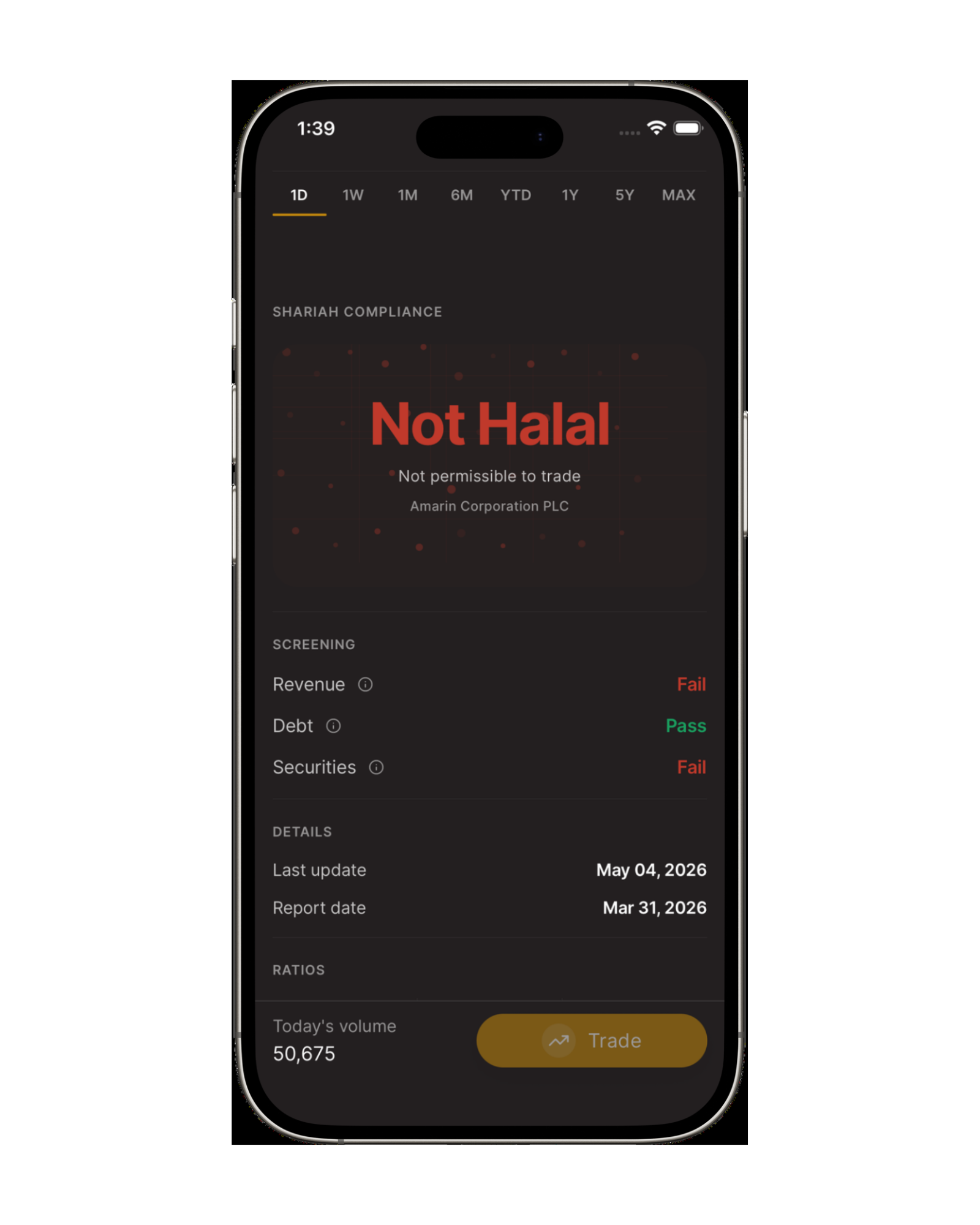
Use screening information alongside your watchlists and portfolio. A screening status is not a recommendation to buy or sell.
Explore our screening methodology alongside research in the trading platform. Shariah screening results can change and do not remove investment risk.
Search stocks by company name or ticker and review available halal, doubtful, or not halal screening results in the Asal Invest tool.
Open the tool