
Your account may require an identity document or additional supporting evidence. The upload screen lists the document types currently accepted for your application.
Before you start
Prepare clear, readable files. Follow the document-type and file-size requirements displayed in your account.
01Open the document request
From your verification status, open the requested document upload. Read the request carefully so you supply evidence for the correct requirement.
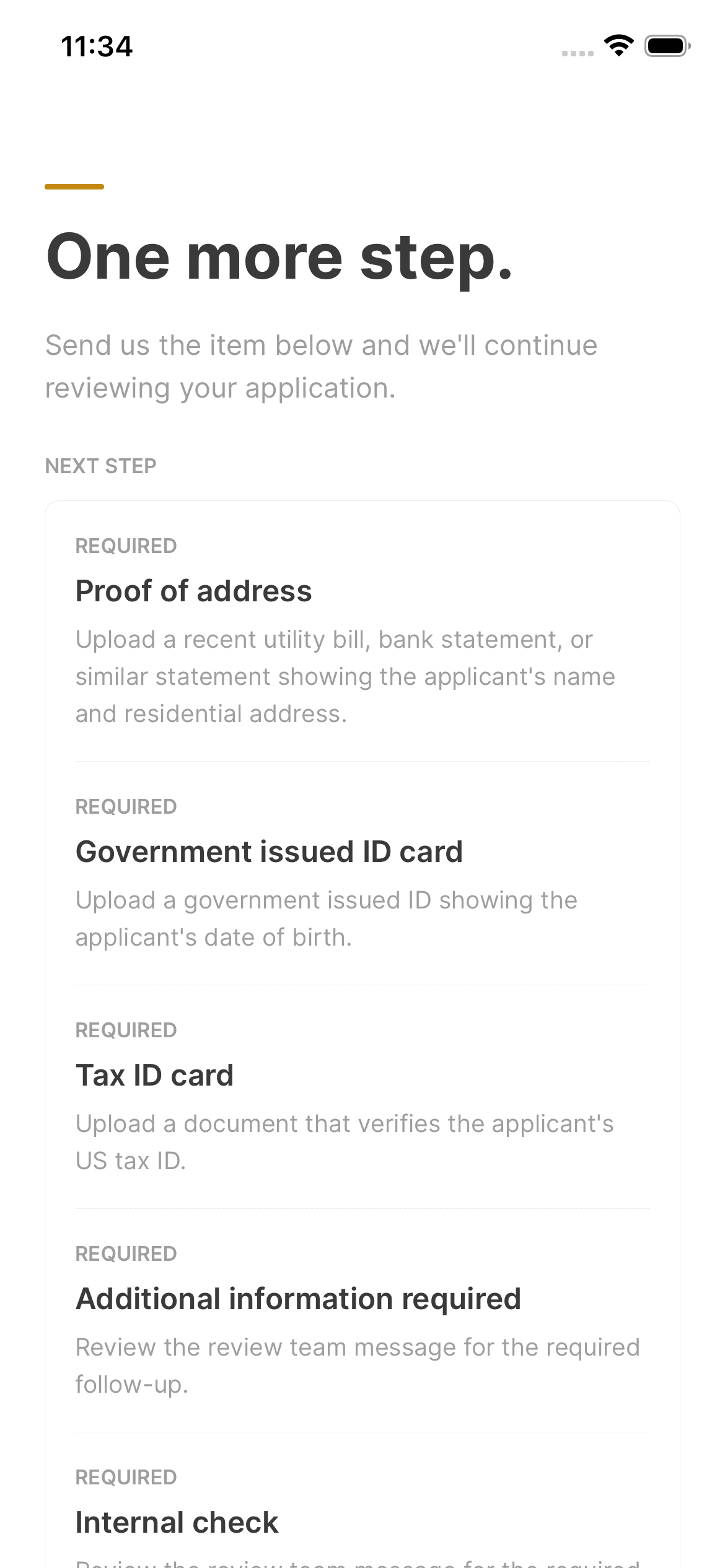
02Choose an accepted document
Select one of the accepted document types shown. Check that the details match your application and that the image shows the entire document without cutting off corners or text.

03Upload and check the result
Select the file and wait for the upload to finish. Check that it is marked as uploaded before leaving. If the upload fails, read the error and correct the file before retrying.
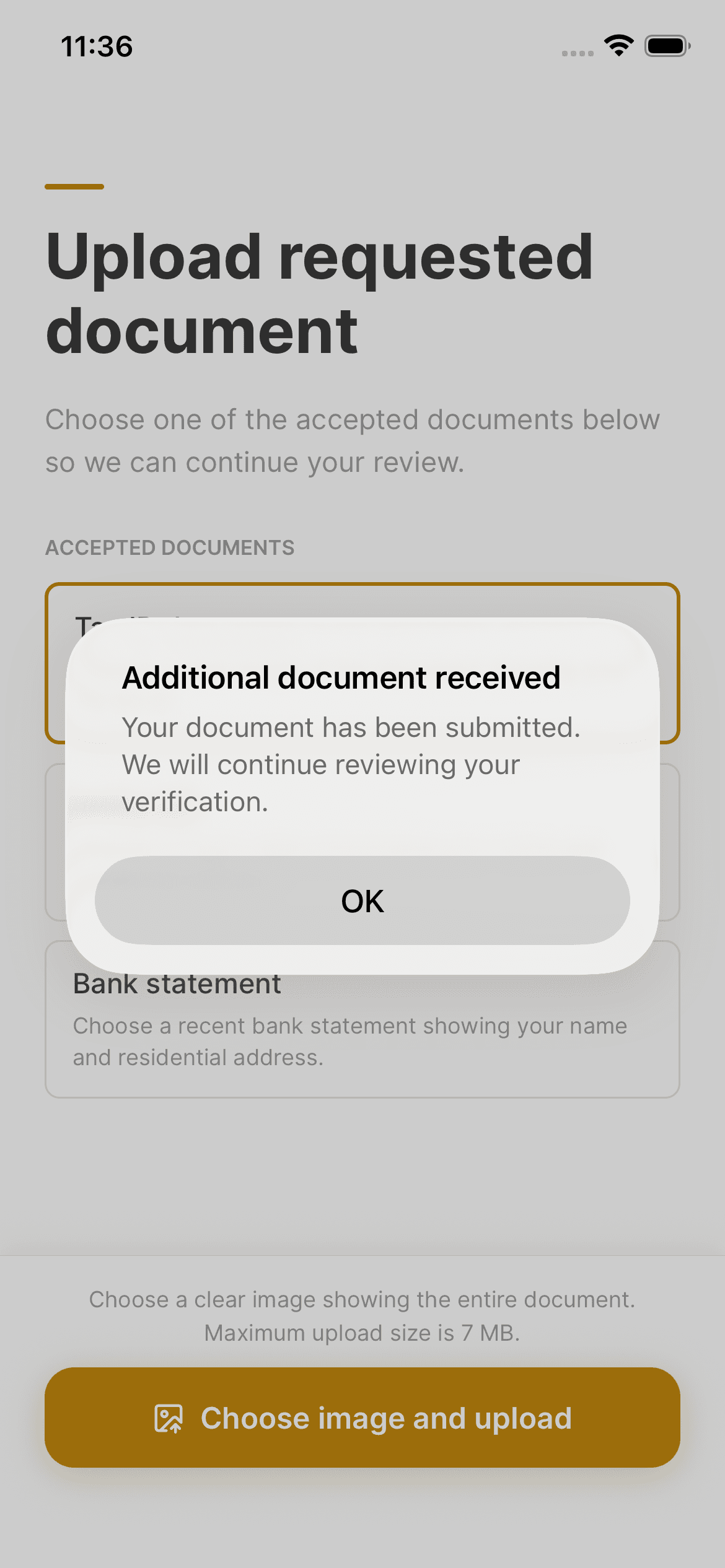
04Return to your verification status
Check whether any other documents are requested. An uploaded document may still need review, so follow the status shown rather than assuming approval immediately after uploading.

Keep in mind
Use the account's document-upload flow for identity evidence. Do not include identity documents in public screenshots or ordinary support screenshots.
Need help with your account? support@asalinvest.com