
Identity verification is part of opening your brokerage account. The application asks for personal, contact, financial, and disclosure information, with requirements based on your circumstances.
Before you start
Have your current identity and address details available. Enter information that matches your documents.
01Start your application
Open the account-opening or identity-verification prompt in your account. Read the instructions and select the details that apply to you.

02Complete your identity and contact details
Enter your legal identity information, residence, address, and contact details as requested. Check dates and spelling carefully. Do not use a nickname where a legal name is required.
03Complete the financial questions and disclosures
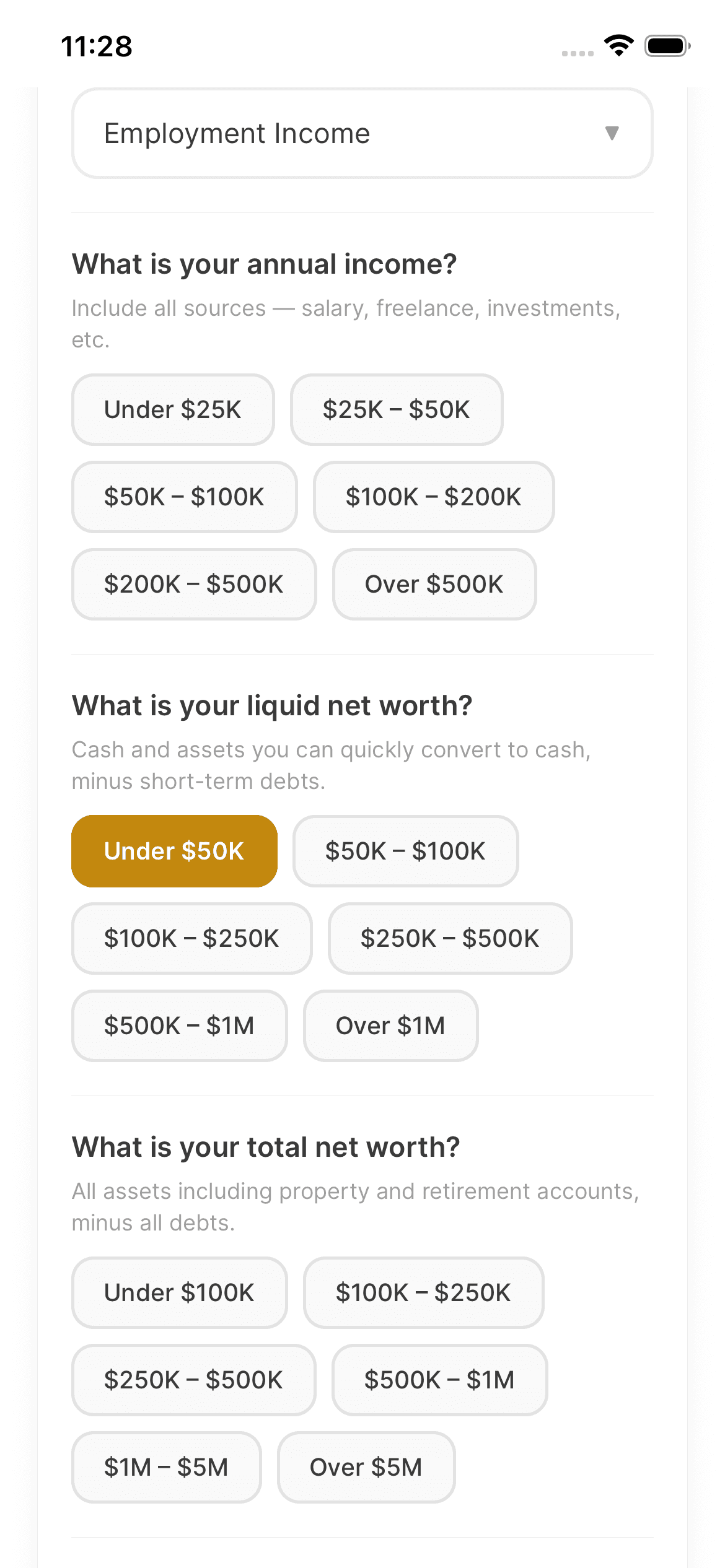
Answer the employment and financial-profile questions accurately. Review each disclosure and declaration rather than selecting answers just to move forward.
04Review and submit
Review the application summary and correct any mistakes before submitting. Complete the required agreements and electronic-signature acknowledgements. After submission, check your status and upload documents if requested.

Keep in mind
Submitting an application is not approval. If a verified detail is incorrect or cannot be edited, contact support rather than submitting conflicting applications.
Need help with your account? support@asalinvest.com