
A company can have more than one listed security. Check the symbol, name, and exchange rather than relying on a familiar company name alone.
Before you start
Have the company name or ticker you want to research. Searching does not place an order.
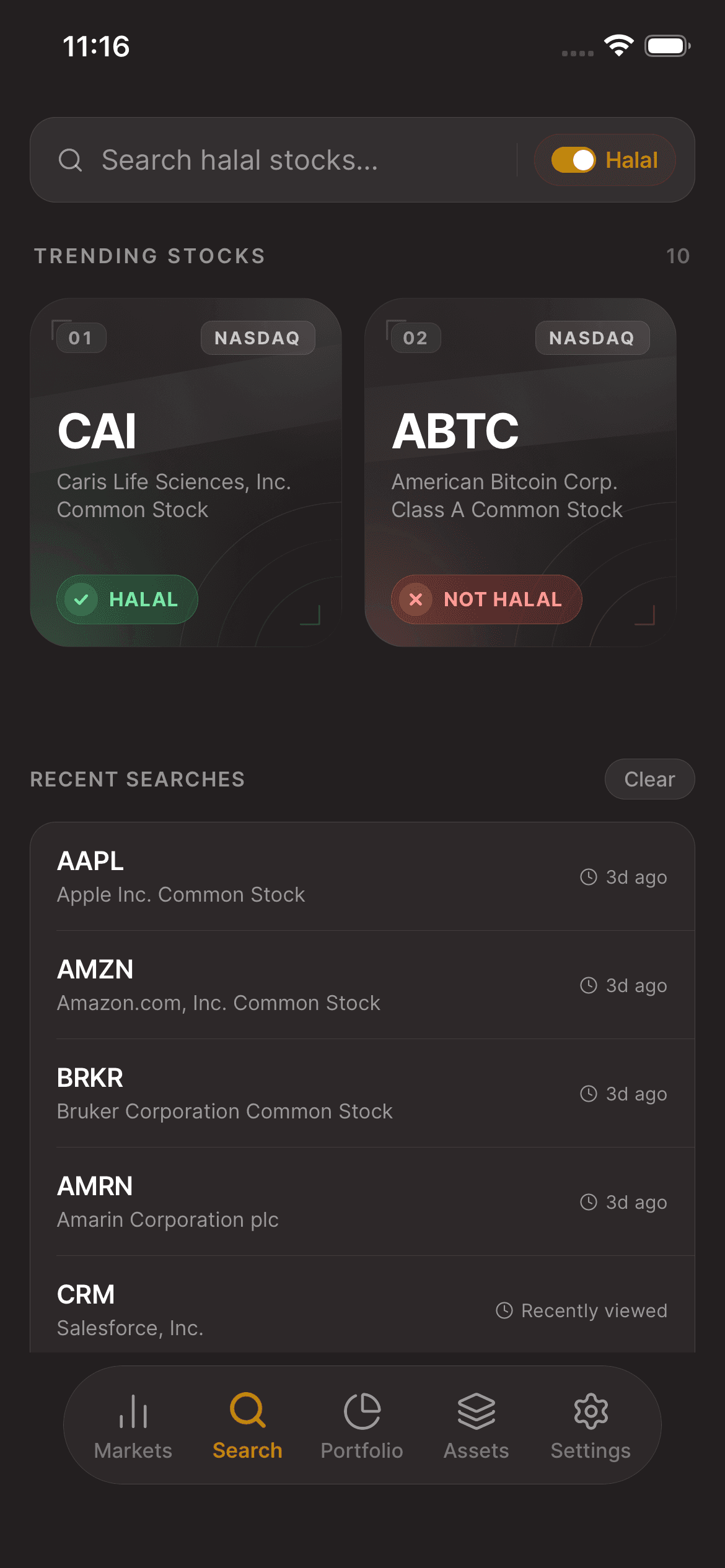
01Open Search
In the Asal Invest app, open Search and enter a company name or stock symbol. Open the matching security to review its stock details and Shariah screening information within the same app.
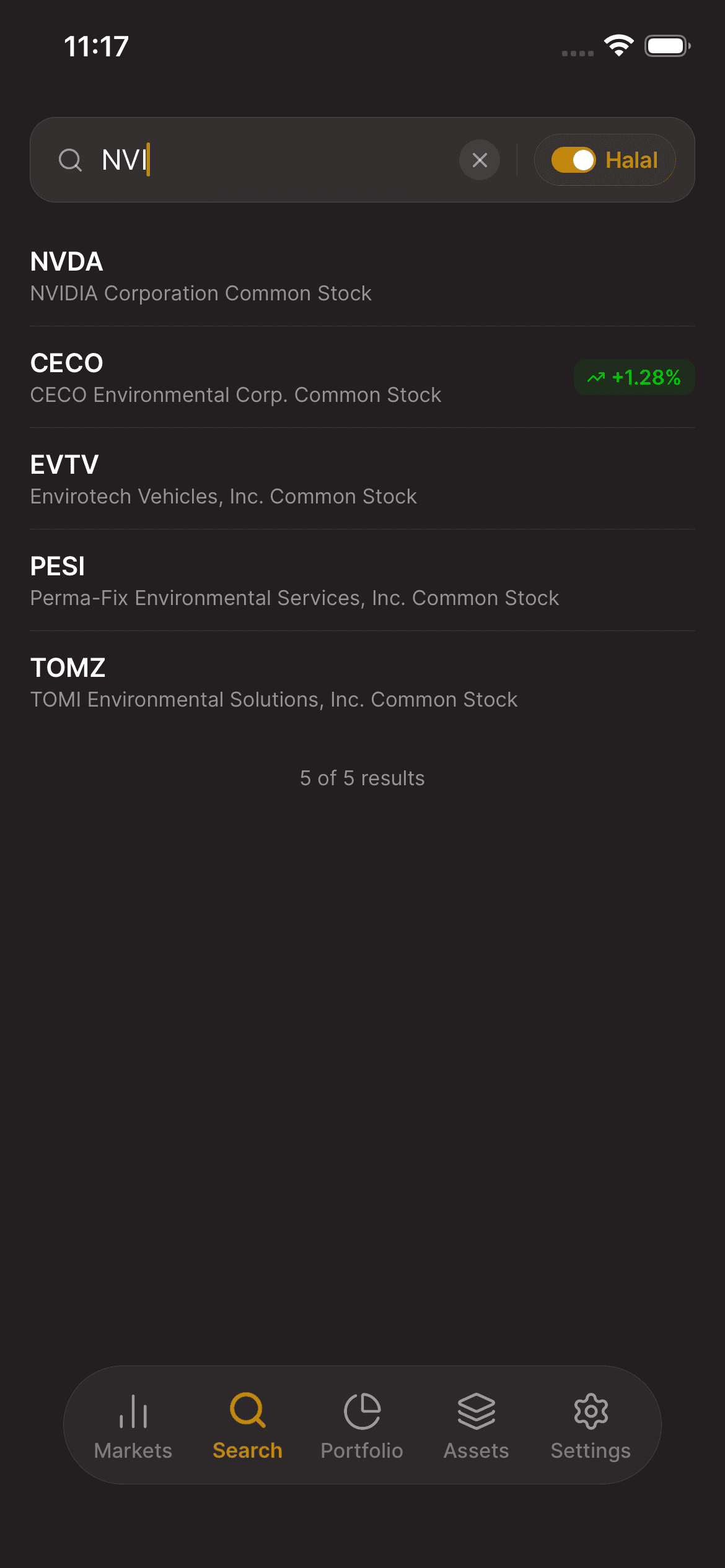
02Choose the matching security
Review the matching names and symbols. Select the exact security you want; similarly named results may represent different listings or instruments.
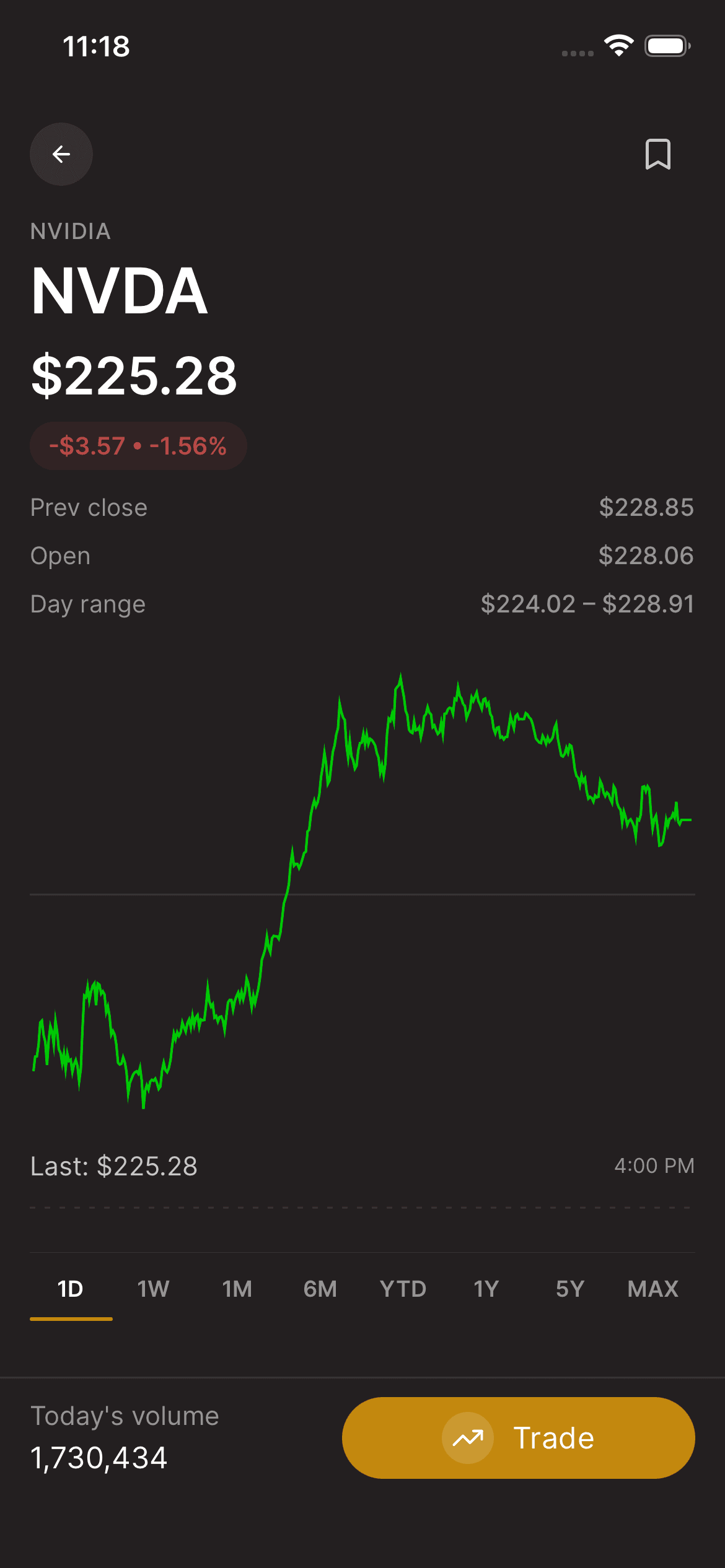
03Review the details
Open the result and review the available stock information and screening status. If information is unavailable, do not treat the missing information as confirmation that a security is compliant or available to trade.
Keep in mind
A search result is a research entry, not a recommendation to buy or a guarantee of trading availability.
Need help with your account? support@asalinvest.com