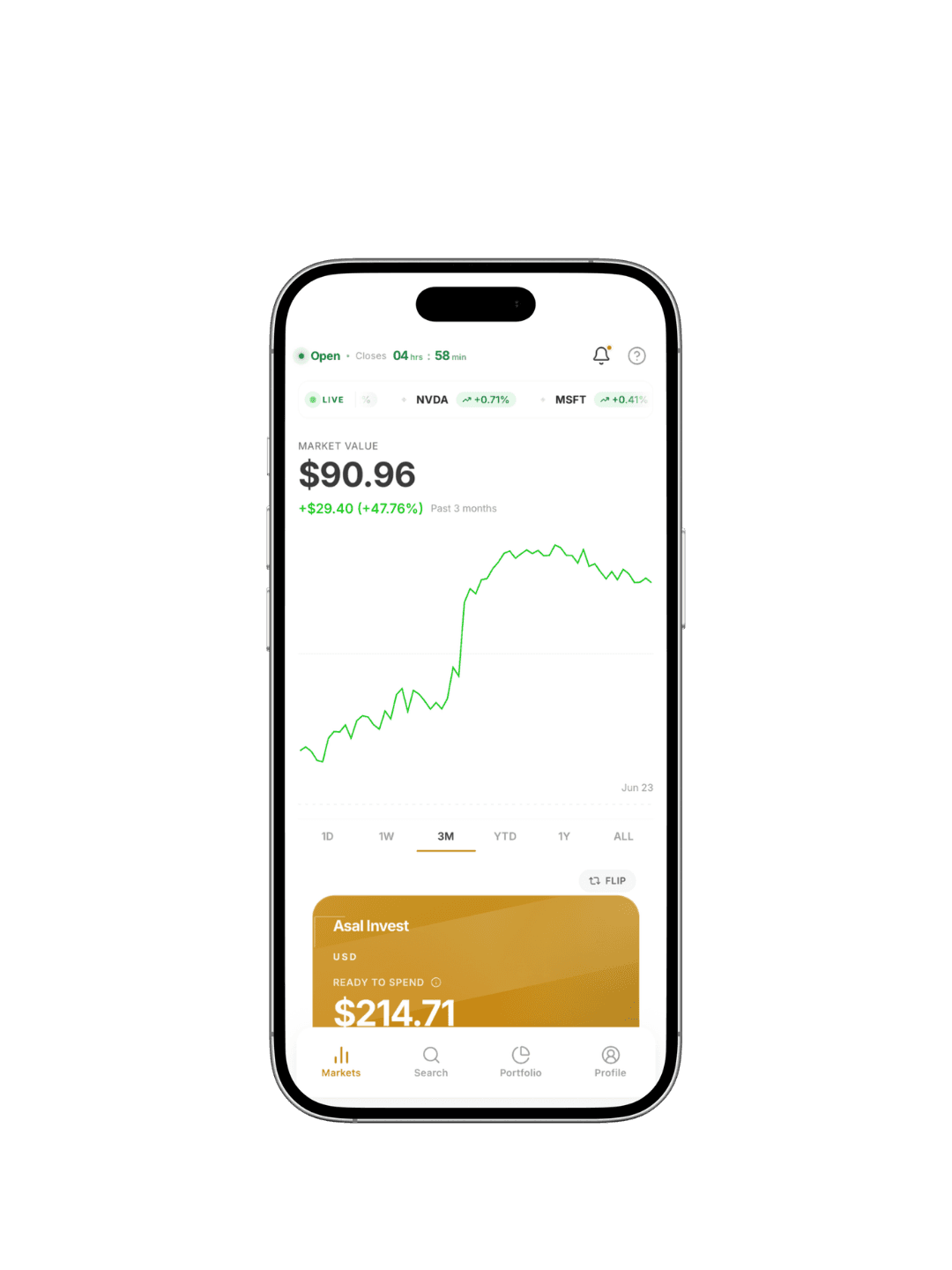
Invest with Asal on web and iOS
Use Asal Invest from your browser or iPhone with a focused experience for Shariah-conscious research, account access, and investing workflows.
Web app
Continue from desktop or mobile web when you want a larger view of markets, settings, documents, and account activity.
iOS app
Manage your investing account from iPhone with quick access to search, portfolio, compliance, trading, and profile tools.
Shariah Compliance
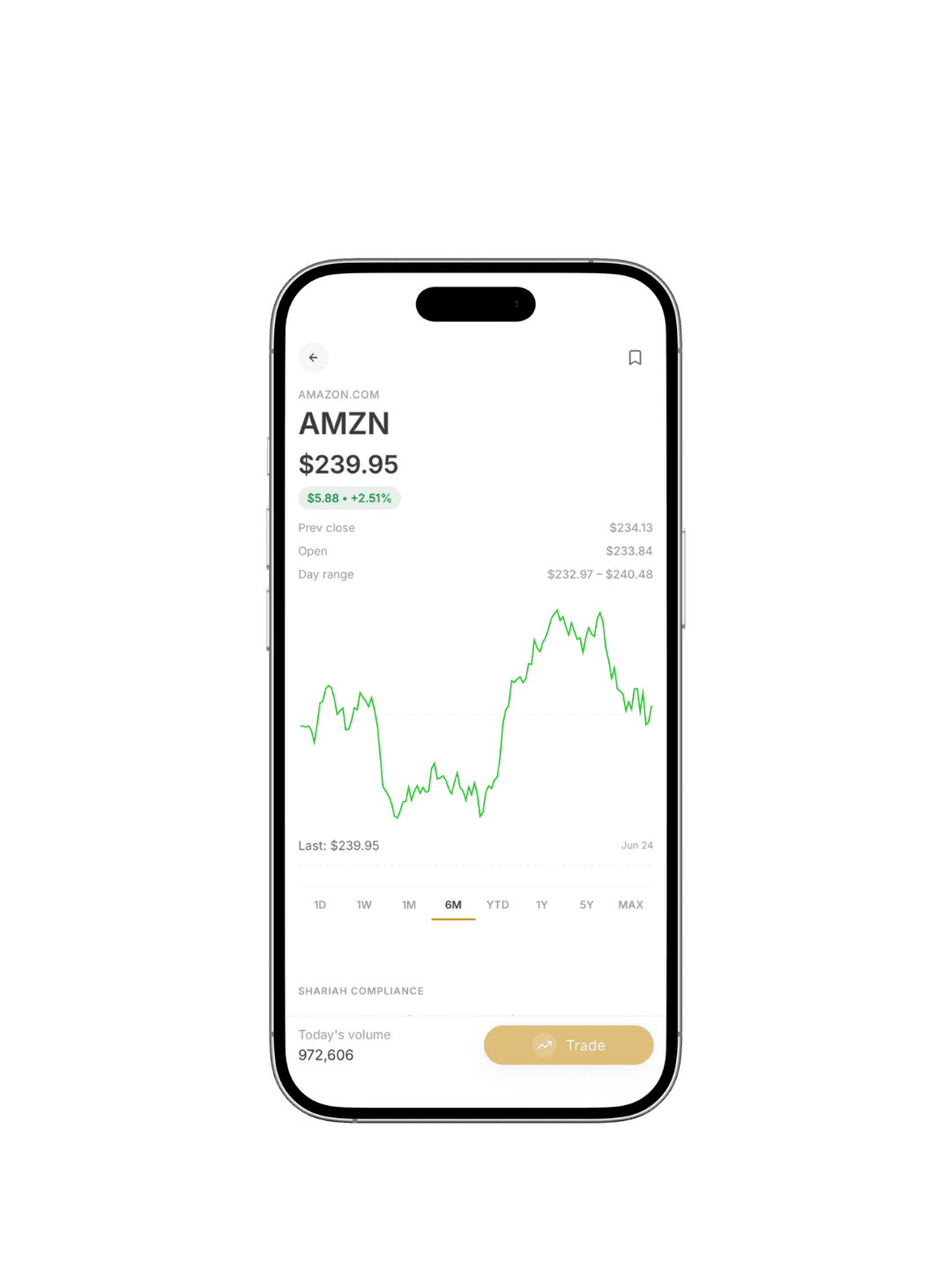
Each stock page includes a dedicated Shariah Compliance section. Users can see the overall status, screening results, ranking, report date, and ratio breakdowns such as halal revenue, non-halal revenue, doubtful income, debt ratio, and securities exposure.
- Clear halal, doubtful, and non-halal statuses
- Screening rows for revenue, debt, and assets
- Ratio breakdowns shown inside the stock view
- Report dates and updates surfaced to users

Asal Baskets
Asal Baskets are pre-built thematic groupings of Shariah-screened securities provided for general informational purposes. They are not individualized recommendations and may not be appropriate for every investor. Investments involve risk, including possible loss of principal.
- Pre-built themes drawn from Shariah-screened securities
- Review holdings, allocations, and basket performance
- Explore basket composition before investing
- Not individualized recommendations
Account Hub
Beyond discovery and trading, Asal brings the core account experience into one place. Users can monitor portfolio value, manage funding, review activity, and access documents without feeling scattered across different tools.
- Portfolio value, positions, buying power, and orders
- Banking flows for deposits, withdrawals, and linked accounts
- Statements, trade confirmations, and disclosures
- A calmer profile and account-management experience